Character AI Login Problems: Quick Answer
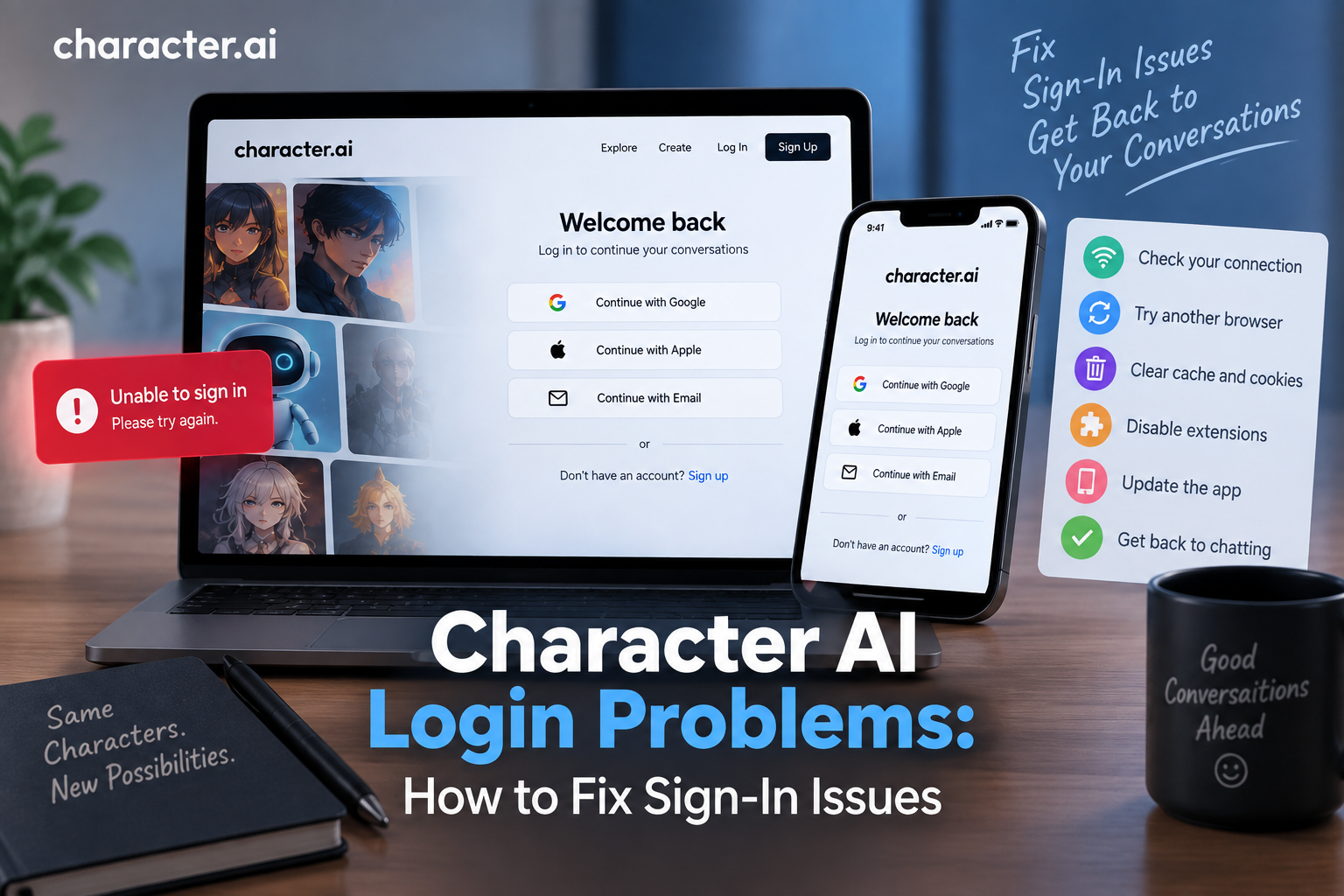
If you’re having Character AI login problems, start by checking your internet connection and confirming that you’re using the correct login method for your account. Then try refreshing the page, using another browser or device, clearing relevant cookies and cache, and temporarily disabling browser extensions.
If you can sign in but your conversations are missing, you may have accessed a different account by using another authentication method. Sign out and try the login method you originally used when creating your account.
Table of Contents
Why Is Character AI Login Not Working?
Character AI sign-in problems can happen for several reasons.
The issue may be related to your browser, internet connection, cookies, app version, authentication method, or a temporary problem with the service itself.
Common causes include:
- Incorrect login or authentication method
- Unstable internet connection
- Browser cache or cookie problems
- Browser extensions interfering with the login page
- Outdated mobile app
- Temporary service issues
- Expired or interrupted authentication sessions
- Problems specific to a particular device or browser
The first step is to determine whether the problem affects your account specifically or whether Character AI isn’t working properly on your device.
How to Fix Character AI Login Problems
Work through the following solutions one at a time. After each step, try signing in again.
1. Check Your Internet Connection
Start by checking whether your internet connection is working properly.
Open another website or online service. If other websites are also loading slowly or failing to load, the problem may be your connection rather than Character AI.
Try:
- Reconnecting to Wi-Fi
- Restarting your router if necessary
- Switching to mobile data
- Moving to a more stable connection
Once your connection is working normally, return to Character AI and try signing in again.
2. Make Sure You’re Using the Correct Login Method
One of the most common sources of account confusion is using a different authentication method from the one originally associated with your account.
If you normally use one sign-in option but accidentally choose another, you may end up in a different account.
This can make it look like:
- Your chats disappeared
- Your characters are missing
- Your profile is empty
- Your account was reset
Before creating a new account, sign out and try the authentication method you originally used.
3. Refresh the Character AI Login Page
A temporary browser or loading problem may prevent the sign-in page from working correctly.
Try refreshing the page.
If that doesn’t help:
- Close the Character AI tab.
- Close the browser.
- Reopen the browser.
- Return to the official Character AI website.
- Try signing in again.
A fresh browser session can sometimes resolve temporary loading problems.
4. Try a Different Browser
If Character AI login isn’t working in your normal browser, try another supported browser.
For example, if you’re having problems in one browser, test the login page in another.
This helps determine whether the issue is caused by:
- Cached website data
- Cookies
- Browser settings
- Extensions
- A browser-specific compatibility problem
If the login works in another browser, the original browser is likely worth troubleshooting further.
5. Clear Character AI Cookies and Cache
Old or corrupted browser data can interfere with authentication.
Clearing relevant cookies and cached data can give the login process a fresh start.
After clearing the data:
- Close your browser.
- Reopen it.
- Visit Character AI again.
- Select Log In.
- Use your normal authentication method.
Remember that clearing cookies can sign you out of other websites.
6. Disable Browser Extensions
Browser extensions can occasionally interfere with websites and authentication pages.
Privacy extensions, script blockers, content blockers, and similar tools may prevent parts of the Character AI login process from loading correctly.
Temporarily disable extensions and try signing in again.
If the login works afterward, re-enable your extensions one at a time to identify which one is causing the problem.
7. Try Incognito or Private Browsing
Private browsing can be useful for determining whether stored browser data is causing the problem.
Open an incognito or private window and visit Character AI.
Then try signing in normally.
If login works in private browsing but not in your regular browser, cached data, cookies, or extensions may be contributing to the issue.
8. Update the Character AI Mobile App
If you’re experiencing login problems through the mobile app, check whether an update is available.
An outdated version of an app can sometimes behave differently from the current version of the service.
Update the app through your device’s official app store, then reopen it and try signing in again.
9. Restart Your Device
A simple restart can resolve temporary application or network problems.
If you’re having trouble on a phone, tablet, or computer, restart the device and try the Character AI login process again.
This is particularly useful if the problem started suddenly after the app or browser had been running for a long time.
10. Try Another Device
If possible, try signing into your account from another device.
For example:
- Try your phone if you’re having trouble on PC.
- Try a computer if the mobile app isn’t working.
- Try the website if the mobile app is failing.
If you can sign in successfully on another device, the problem may be specific to your original browser, app, or device.
Character AI Login Error: What Should You Do?
If you’re seeing an error while trying to sign in, start by identifying whether the error happens before or after authentication.
Login page won’t load
Try:
- Checking your internet connection
- Refreshing the page
- Using another browser
- Clearing cached data
- Disabling extensions
- Trying another device
Login button doesn’t work
Try opening the site in a private browsing window and temporarily disabling browser extensions.
Authentication doesn’t complete
Make sure you’re using the correct account and authentication method. If the sign-in process redirects you elsewhere, complete the requested authentication before returning to Character AI.
You can log in but your account looks empty
Check whether you’re using the same login method associated with your original account.
Character AI Login Problems on Mobile
If you’re experiencing Character AI login problems on your phone, try these steps.
1. Check your connection
Switch between Wi-Fi and mobile data to see whether the connection is affecting the login process.
2. Update the app
Check your device’s official app store for an available Character AI update.
3. Restart the app
Close Character AI completely and reopen it.
4. Restart your phone
A device restart can resolve temporary app or network problems.
5. Try the mobile website
If the app continues to have problems, try accessing Character AI through a mobile browser.
6. Reinstall the app if necessary
If other troubleshooting steps don’t work, reinstalling the official app may resolve an installation-related problem.
Before doing this, make sure you know the authentication method associated with your account.
Character AI Login Problems on PC
If Character AI won’t let you sign in on your computer, work through these steps:
- Check your internet connection.
- Refresh the login page.
- Try another browser.
- Open a private browsing window.
- Clear relevant cookies and cache.
- Disable browser extensions temporarily.
- Restart your computer.
- Try signing in from another device.
If the account works normally on another device, focus your troubleshooting on the original browser or computer.
Character AI Login Problems Due to Cookies
Cookies can play a role in maintaining authentication sessions.
If cookies are blocked, deleted automatically, or corrupted, you may experience problems such as:
- Repeated login attempts
- Being redirected back to the login page
- Getting signed out unexpectedly
- Login sessions not being maintained
Check your browser’s privacy and cookie settings and make sure necessary site functionality isn’t being blocked.
Character AI Keeps Logging Me Out
If Character AI repeatedly signs you out, the problem may be related to your browser session, cookies, app state, or authentication.
Try:
- Signing in again
- Checking cookie settings
- Clearing outdated site data
- Updating the app
- Trying another browser
- Trying another device
- Temporarily disabling browser extensions
If you’re repeatedly logged out across different browsers and devices, the problem may require further assistance from Character AI’s official support resources.
Character AI Login Works but My Chats Are Missing
This is an important distinction.
If you can successfully log in but your previous conversations aren’t visible, the problem may not actually be a login failure.
Check your account first
Make sure you’re using the same authentication method you used when you originally created the account.
Using a different sign-in method can result in access to a different account.
Don’t immediately create another account
Creating another account can make the situation more confusing.
Instead:
- Sign out.
- Return to the login screen.
- Try your original authentication method.
- Check your profile and conversations again.
If the problem continues, consult the service’s official support resources.
Character AI Login Not Working After Changing Your Password
If you’ve recently changed your account credentials and can’t sign in, carefully enter the new information or use the account recovery process available for your authentication method.
Avoid repeatedly entering incorrect information.
If you’re using an external authentication provider, make sure you’re signing in through the provider associated with your Character AI account rather than attempting to use an unrelated login method.
Is Character AI Down or Is It a Login Problem?
Sometimes the issue isn’t your account at all.
If the Character AI website or app is unavailable, slow, or experiencing widespread problems, individual users may also have difficulty signing in.
Before making major changes to your account or browser, check Character AI’s official status information and support channels for service updates.
A useful way to narrow down the problem is to test:
Your account + another device + another browser
If the same problem occurs everywhere, the issue may not be limited to your original device.
When Should You Contact Character AI Support?
If you’ve tried the standard troubleshooting steps and still can’t access your account, contacting official Character AI support may be appropriate.
Before contacting support, gather useful information such as:
- The device you’re using
- Your browser or app version
- What happens when you select Log In
- Any error message you receive
- Whether the problem occurs on another device
- Whether another browser works
- The authentication method you’re trying to use
Don’t send your password or other sensitive account credentials to anyone claiming to provide support.
Character AI Login Problems FAQs
Why can’t I log in to Character AI?
Character AI login problems can be caused by an incorrect authentication method, internet connection issues, browser cookies, cached data, extensions, outdated apps, or temporary service problems. Try another browser or device and confirm you’re using the correct account.
Why is Character AI login not working?
Start by checking your internet connection and refreshing the login page. If that doesn’t work, try another browser, clear relevant cookies and cache, disable extensions, or attempt to sign in from another device.
Why does Character AI keep logging me out?
Repeated sign-outs can be related to cookies, expired sessions, browser settings, app issues, extensions, or temporary service problems. Check your browser settings and try another browser or device.
Why are my Character AI chats missing after login?
You may have signed into a different account by using a different authentication method. Sign out and try the login method you originally used when creating your account.
How do I fix Character AI login on my phone?
Check your internet connection, update the app, restart the app and phone, and try the Character AI website through a mobile browser. If necessary, reinstall the official app.
How do I fix Character AI login on PC?
Try another browser, private browsing, clearing cookies and cache, disabling browser extensions, and restarting your computer. You can also test your account on another device.
Can browser extensions cause Character AI login problems?
Yes. Some extensions can interfere with website functionality or authentication. Temporarily disabling extensions can help determine whether one is responsible.
Should I create a new Character AI account if I can’t log in?
Not immediately. First try to recover access to your existing account and confirm that you’re using the same authentication method you originally used.
What should I do if Character AI is down?
Check Character AI’s official status or support information for service updates. If the problem is affecting the service itself, you may need to wait until the issue is resolved.
Character AI Login Troubleshooting Checklist
If you’re still having trouble signing in, work through this checklist:
- Check your internet connection.
- Confirm you’re using the official Character AI service.
- Make sure you’re using the correct authentication method.
- Refresh the login page.
- Try a private browsing window.
- Try another browser.
- Clear relevant cookies and cached data.
- Temporarily disable browser extensions.
- Update the Character AI mobile app.
- Restart your device.
- Try another device.
- Check for a temporary service problem.
- Verify that your chats aren’t simply associated with another account.
- Contact official Character AI support if the problem continues.
Final Thoughts
Character AI login problems can come from several different sources, so it’s useful to troubleshoot the issue step by step rather than assuming your account is the problem.
Start with your internet connection and authentication method. Then try a different browser or device, clear relevant cookies and cache, and temporarily disable browser extensions.
If you’re able to sign in but your conversations are missing, check whether you’ve accidentally accessed a different account.
For persistent problems across multiple devices and browsers, check Character AI’s official service information and support resources.
Most login problems can be narrowed down by testing the account, browser, device, and authentication method separately. The key is to identify where the problem occurs before making changes to your account.
Character AI Login & Account Guides
- Character AI Login: How to Sign In to Your Account
- Character AI Sign Up: How to Create a New Account
- Character AI Login Problems: How to Fix Sign-In Issues
- How to Reset Your Character AI Password
- How to Change Your Character AI Email Address
- How to Change Your Character AI Username
- How to Delete Your Character AI Account
- How to Recover a Character AI Account
- Can You Use Character AI Without an Account?
- Character AI Account Settings: Complete Guide
- How to Log Out of Character AI on Every Device
- Character AI Login on Mobile, Desktop, and Web